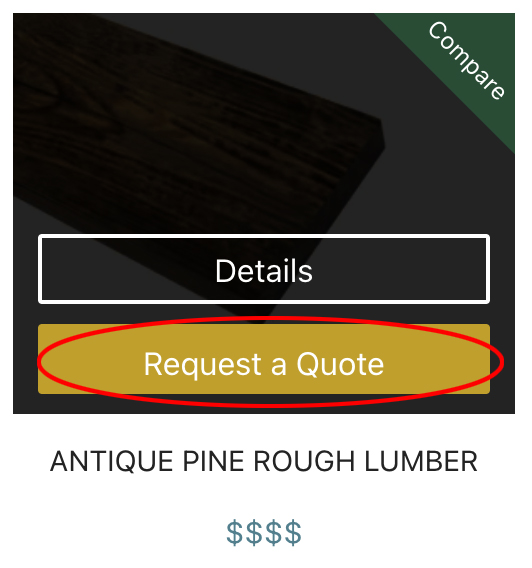
When browsing the product catalogs, click the “Request Quote” button on products in the catalog (see right) to add products to your project cart to submit them together for a complete quote for a single project:
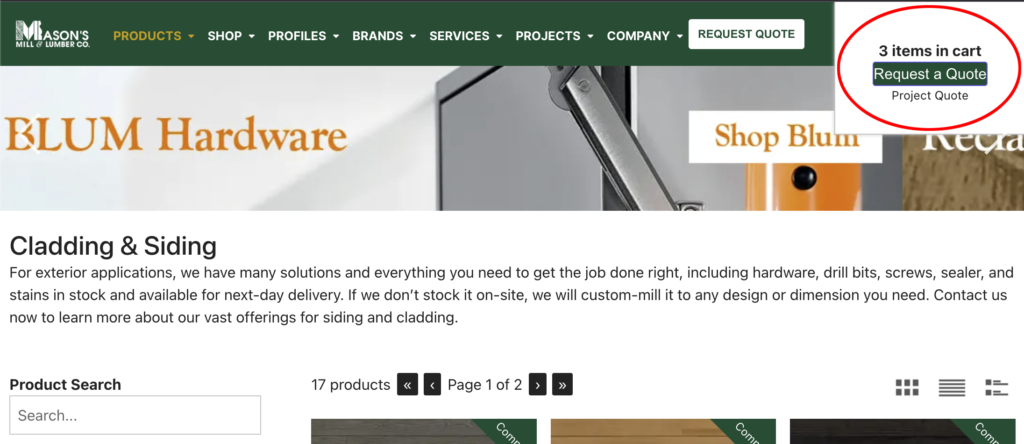
When you click the product “Request a Quote” button on a product in the catalog, your cart pops up in the upper right of the page with the items you’ve currently added and a “Request Quote” button to send the products in your cart.
You can also wait and add more products before sending the request.
Subscribe And Enjoy!
Product Updates, Special Sales & More!
I don't want to see this anymore.
Subscribe And Enjoy!
Product Updates, Special Sales & More!
Stay informed with the latest from
Mason's Mill & Lumber Co.